Skip to content

Reason of Delay

Rafael DavilaMember for 22 years 7 months
Created
3
2
0

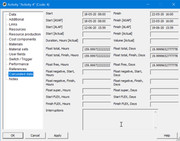
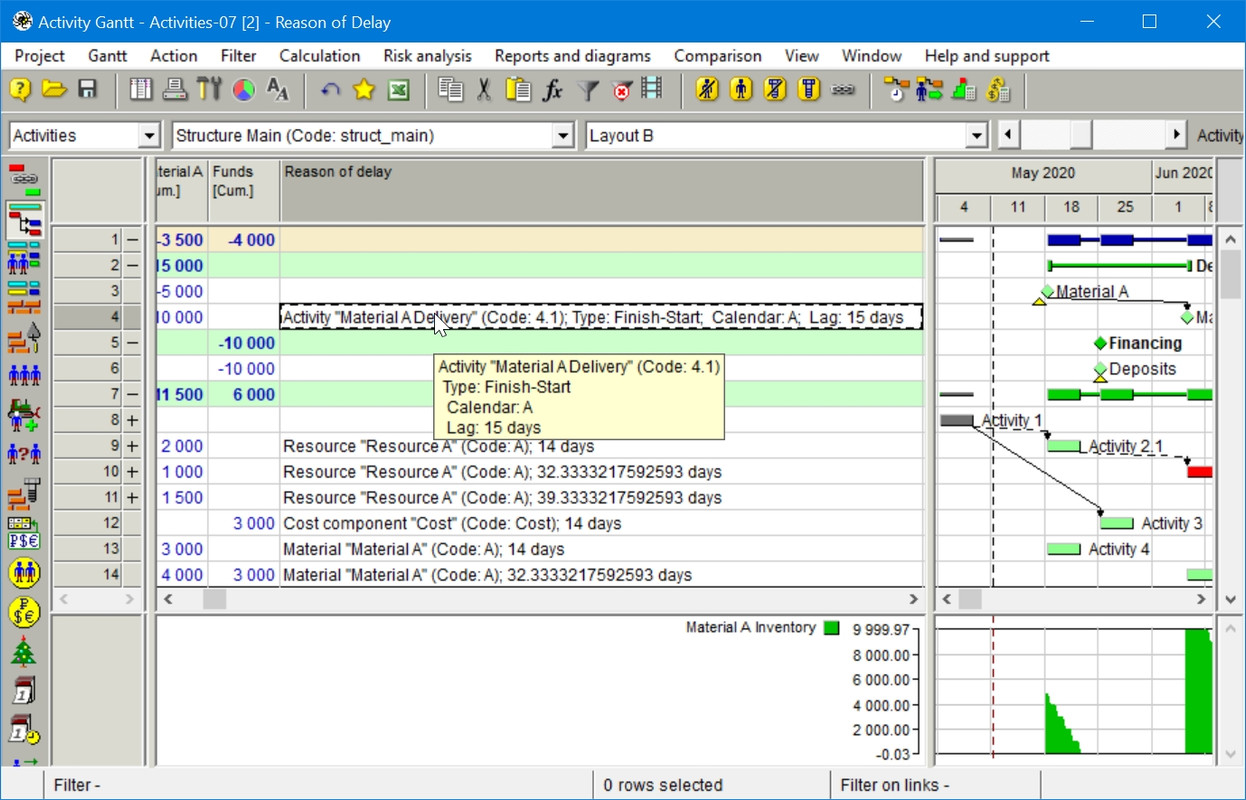
In order to figure it out what is delaying an activity links and resource dependencies are not enough when leveling materials and financial resources, it is the Reason of delay field what gives me this information. There are several places where you can make this field visible but perhaps the most accessible would be at the activity properties.
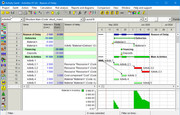
DR01

DR02  an additional tab to make room for Reason of delay would be convenient. Perhaps two Calculated Data tabs not only will make room for this field but also might reduce the clutter if interruptions are moved to this additional tab.

As soon as Spider implemented this field I stopped using resource dependencies, this is easier, faster and do not miss materials and financial resource leveling as a source of delay.
 

3 replies

Oldest first
  1. 0
    Daniel Morais ·

    Really this is a excellent

    Really this is a excellent way to know what delay some activity, I did the same you, I just use reason of delay to analyse. The ideia of put on the additional tab is good.

  2. 0
    Rafael Davila ·

    The above is an example of a

    2021-12-18-10-09-05

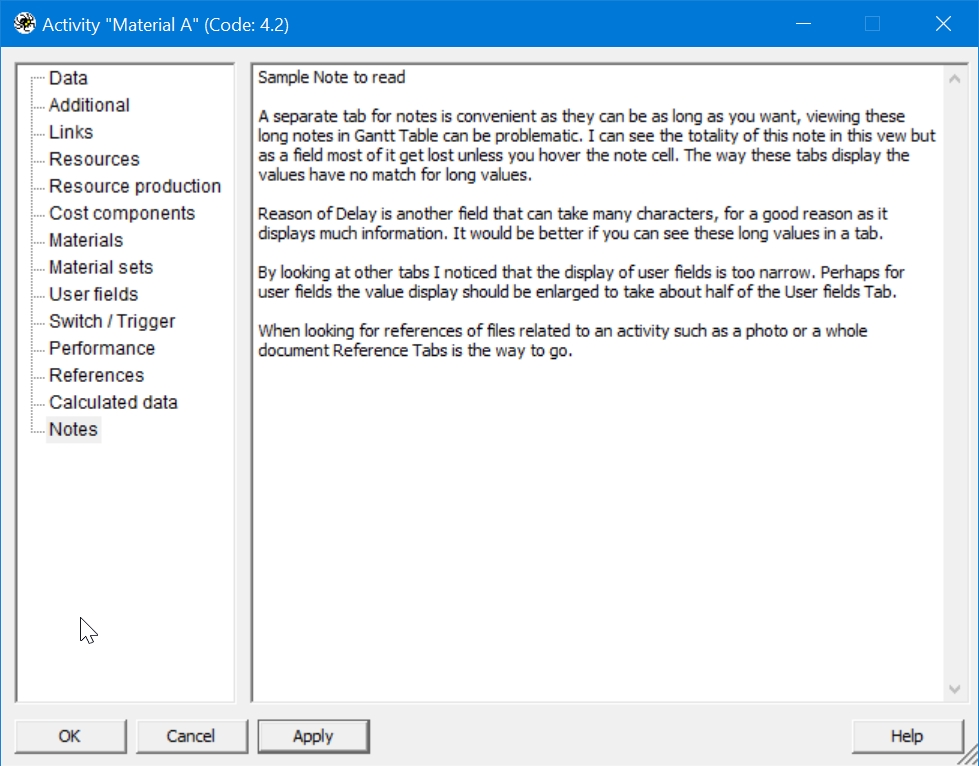
    • The above is an example of a Note long enough to showcase the issue. 
    • Please take notice about my comment within this note regarding the display of User Fields values.
    • Also note that hovering does not always display all the information as you can see in the following image.
    • 2021-12-18-10-46-34
  3. 0
    Rafael Davila ·

    Another important calculated

    Another important calculated data are the assignment floats, maybe also an additional tab to display activity assignment floats would be convenient. A scrolling table showing Team, Multi-Resource, Resource, Start Float and Finish Float should do it.

    It will also serve as a reminder that Activity floats do not provide all the data necessary for project control. In the projects with the complicated resource assignments there may be situations when an activity has different start and finish floats. Resources are often separately assigned on an activity. There are several types of independent assignments. Thus, a team of resources can be assigned on an activity to do a certain amount of work, or for a certain period of time, while other resource teams perform the rest of activity work independently. When you have 3 teams an activity not start and not finish critical might have a critical resource assignment.

    Assignment-Floats-01

    Assignment-Floats-02
     

Log in or join to reply

ProjectControls.com is free to join. Members can post questions, reply, vote and follow discussions.

Existing members: your original username and password still work. Forgot password?